
Sign Up
RADIO
BLOG
INTERVIEWS
VIDEO
PR
TESTIMONIALS
CONTACT
PARTNERS
REVIEWS
FEST
This site requires Javascript to function properly - please enable Javascript in your browser
youtube
iZotope, Inc.
@izotope-inc
Followers
0
Following
179960
Updates
512
Basic Info
Category
Duration
Created
Plays
10 years ago
671
Description
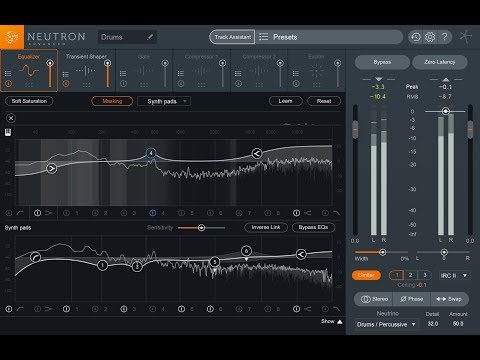
After using a compressor, the resulting signal is often quieter. This video shows you how to recover that lost level by using a parameter of compression called ...
Reviews
-
Interviews
-
Promo
-
Radio Play
Contact
zach@metaldevastationradio.com
Please enable JavaScript to view the
comments powered by Disqus.
comments powered by
Disqus
You May Also Like
2-Minute Tips: Use a High Pass Filter to Shape Low End
Comments
Likes
Remove Clicks from Audio Recordings with iZotope RX
Comments
Likes
RX Post Production Suite Tutorial: Using RX Post Production Plug-ins & Pro Tools - Part 2
Comments
Likes
iZotope Iris™ - Selection Tools Explained
Comments
Likes
How to Use VocalSynth 2: Compuvox
Comments
Likes
Isolate a Vocal with Music Rebalance in RX 7
Comments
Likes
RX 10 Repair Assistant: AI Background Noise Removal on Vocals | iZotope
Comments
Likes
iZotope Iris 2: Using Modulation | 20-Minute Manual Video #11
Comments
Likes
More
▼
Sitemap