
Sign Up
RADIO
BLOG
INTERVIEWS
PR
TESTIMONIALS
CONTACT
PARTNERS
REVIEWS
FEST
DISCORD
This site requires Javascript to function properly - please enable Javascript in your browser
youtube
iZotope, Inc.
@izotope-inc
Followers
0
Following
184376
Updates
512
Basic Info
Category
Duration
Created
Plays
12 years ago
757
Description
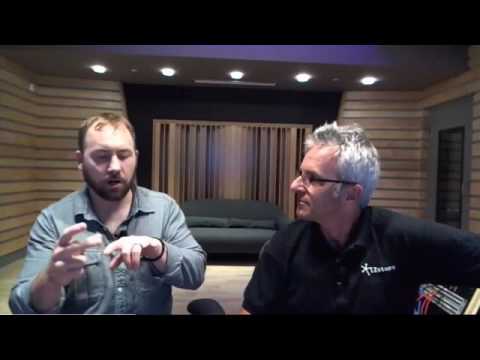
Rob D'Amico, Senior Product Manager for the RX family, demonstrates quick and easy automated dialogue fixes in Adobe Premiere Pro. Try it for yourself, with a ...
Reviews
-
Interviews
-
Promo
-
Radio Play
Contact
zach@metaldevastationradio.com
Please enable JavaScript to view the
comments powered by Disqus.
comments powered by
Disqus
You May Also Like
Are You Listening? Ep. 4 | Limiting in Mastering (Part 1)
Comments
Likes
Removing Noise / Mixing Dialogue in Avid Media Composer | iZotope Tips From A Pro
Comments
Likes
Tonal Balance Control in Neutron 2 Advanced
Comments
Likes
Thank you for being awesome!
Comments
Likes
Mixing Tips | Part 3 of 3: Mixing Piano with Alloy 2
Comments
Likes
Tutorial: Using VocalSynth 2 in a Hip Hop Song
Comments
Likes
Mixing Synth with DDLY Dynamic Delay | iZotope DDLY Dynamic Delay Effect Plug-in
Comments
Likes
Mixing for Loudness Compliance - iZotope Insight
Comments
Likes
More
▼
Sitemap